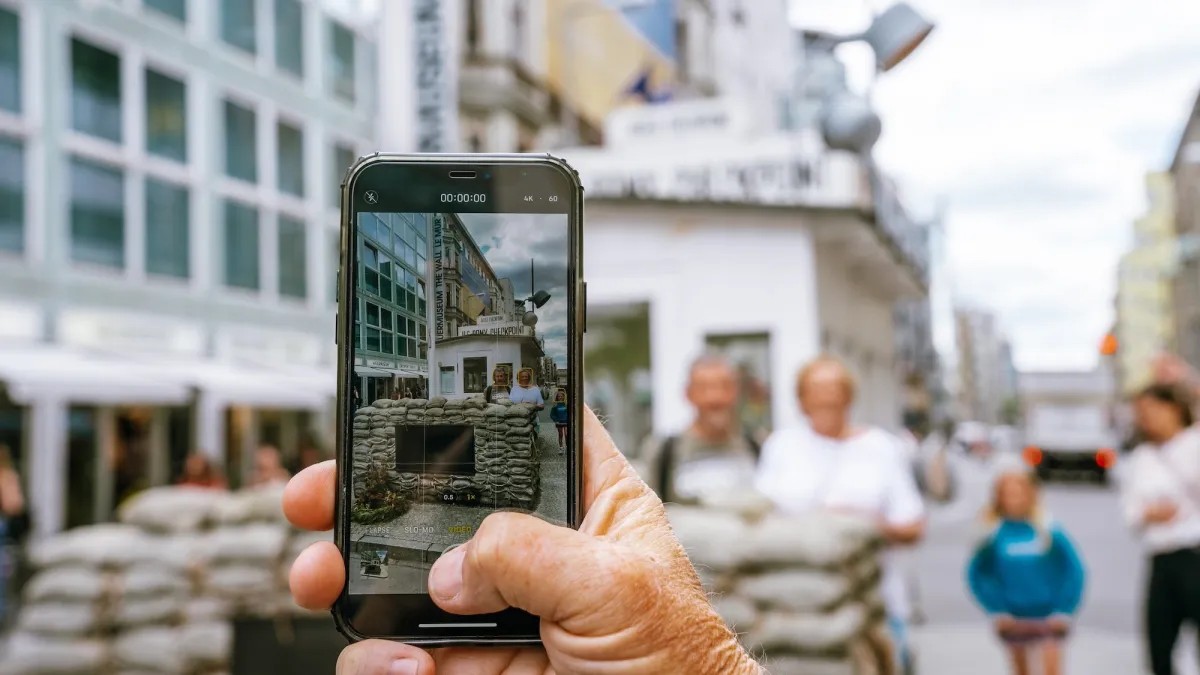
Nobody wants to talk about dying. It’s awkward. It’s morbid. We’d rather scroll through Instagram than contemplate the end. But here is the reality check: your phone is not just a communication device. It is a walking, talking archive of your entire life. And when you are gone, those terabytes of memories don’t just vanish into thin air. They get stuck. Locked. Lost.
We used to worry about who got the physical photo album. You know the kind—bulky, fragile, stored in a cedar chest. Today, we have millions of digital files. Lunch shots. Group photos. Selfies from vacations that feel like a lifetime ago. If you haven’t backed them up, who owns them? Who gets to see them?
Seventy-five percent of Gen Z are already thinking about this. They know better than their parents. The definition of “personal effects” has shifted. It’s no longer just jewelry or watches. It’s the cloud. And if you don’t have a plan, your digital legacy becomes a mess of locked accounts and frustrated heirs.
Setting Up Legacy Contacts on Major Platforms
The simplest step isn’t legal. It’s technical. It’s about giving someone else the key.
Apple, Google, Facebook—most major tech giants now allow you to designate a Legacy Contact. This is a person you choose who can request access to your account after you pass. It’s not automatic. It’s not instant. You have to set it up now, while you’re alive.
For Apple users, you designate a contact. They get a special access key. When you die, they submit that key along with a copy of your death certificate. They don’t even need an iPhone themselves to do it. But there are rules. You have three years from the date of passing for them to get approved. After that? The clock stops. If they miss the window, the data stays buried.
Google calls it the “Inactive Account Manager.” You can set it for anywhere from 3 to 18 months of inactivity. If you don’t log in, Google assumes the worst and begins the handover process to your chosen people.
These tools are basic. They give access. They don’t give control. But access is often all you can hope for.
The Role of a Digital Executor
If you want more than just access, you need a Digital Executor. This is a legal role. It goes into your will.
Services like Everplans make it easy to name someone specifically for this task. Think of them as the digital version of your standard executor. They don’t just collect the bank statements. They curate your digital life.
What can a Digital Executor do?
– Archive your files, photos, and videos.
– Delete specific data you don’t want anyone to see.
– Erase entire hard drives if that’s your wish.
– Close online accounts to stop recurring payments.
– Maintain active accounts, like a blog or a small business site.
– Transfer income-generating digital assets to your heirs.
It is a heavier burden than being a Legacy Contact. It requires trust. It requires technical savvy. But for families with complex digital footprints, it’s necessary. Without it, your heirs are left guessing. Should they keep your email? Delete your browsing history? Preserve your cryptocurrency keys? The answers shouldn’t be guesses. They should be instructions.
Backups: The Only True Safety Net
Here is the thing about cloud services and legal frameworks. They can fail. Companies go bankrupt. Servers crash. Laws change. If you rely solely on a third-party’s “Legacy Contact” feature, you are still dependent on their infrastructure.
That’s why the best habit is the boring one.
Back up your photos to a separate, physical hard drive. Regularly. Off-site. Don’t trust the cloud entirely. Trust the brick.
And go old school. Print your photos. Make books. I know, I know. Digital feels permanent. It’s right there in your pocket. But paper survives. Hard drives rot. Formats become obsolete. JPEGs might not be readable in 50 years.
Print the meaningful ones. The ones that matter. Create books for vacations. For graduations. For that one great summer.
It’s not just about nostalgia. It’s about insurance. At best, it gives you peace of mind when you drop your phone in a toilet. At worst, it ensures your family actually gets to keep your memories instead of stumbling through a maze of password resets and death certificates.
We spend years capturing moments. We should spend at least ten minutes planning for them.